DIY Design Tips
Helpful Hints for Graphic Design
Several programs enable non-designers to create polished materials with ease. The University provides access to Venngage, an online design platform similar to Canva, for all faculty, staff and student workers at UConn and UConn Health. The Office of University Communications can create and share assets and brand kits for Venngage users. Learn more about accessing Venngage on the UConn Knowledge Base.
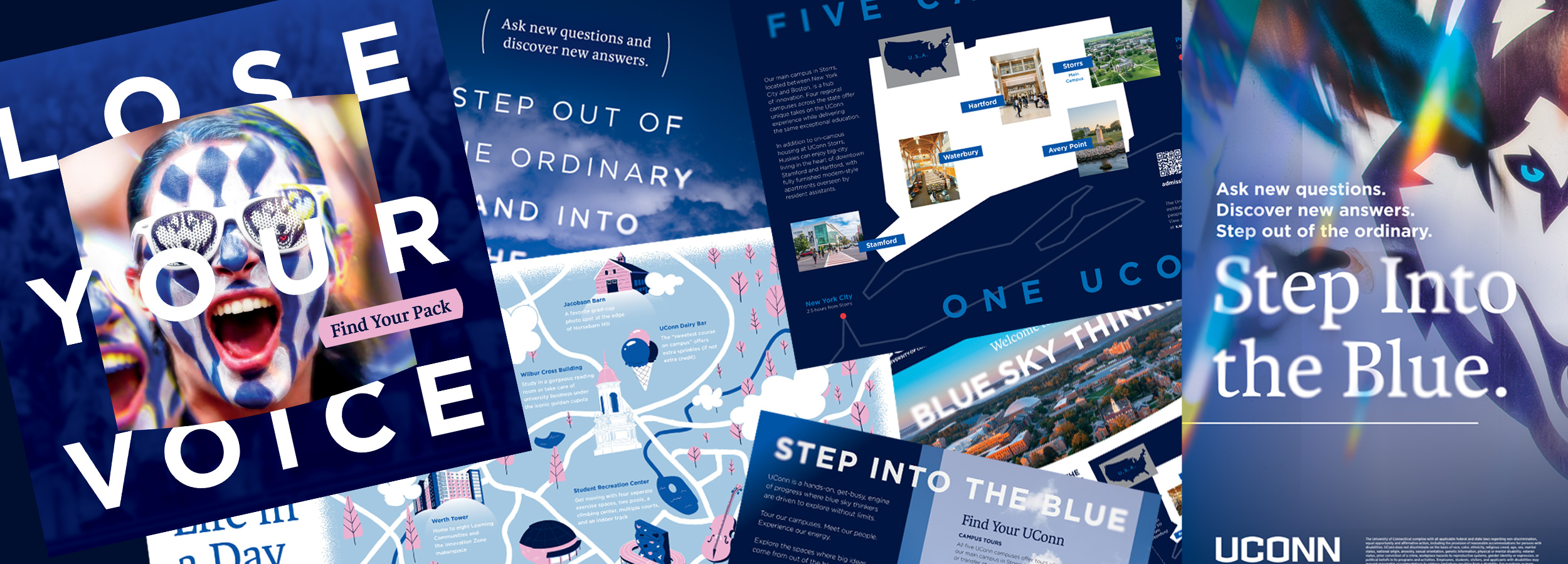
By keeping the below guidelines and graphic design principles in mind, members of the UConn community can create their own promotional materials that are professional-looking and in-brand.
Keep Branding Consistent
While Venngage offers a variety of templates in different styles, we ultimately want all of our communications to look and feel like they are coming from UConn. Ensure that all materials are properly branded with UConn wordmarks and make significant use of UConn blue.

Organize Your Content
Use size, style, and spacing to emphasize important elements such as headlines, event details, or calls-to-action. A clear hierarchy helps grabs your viewer’s attention from a distance and provides structure to the viewing experience.
Be Brief
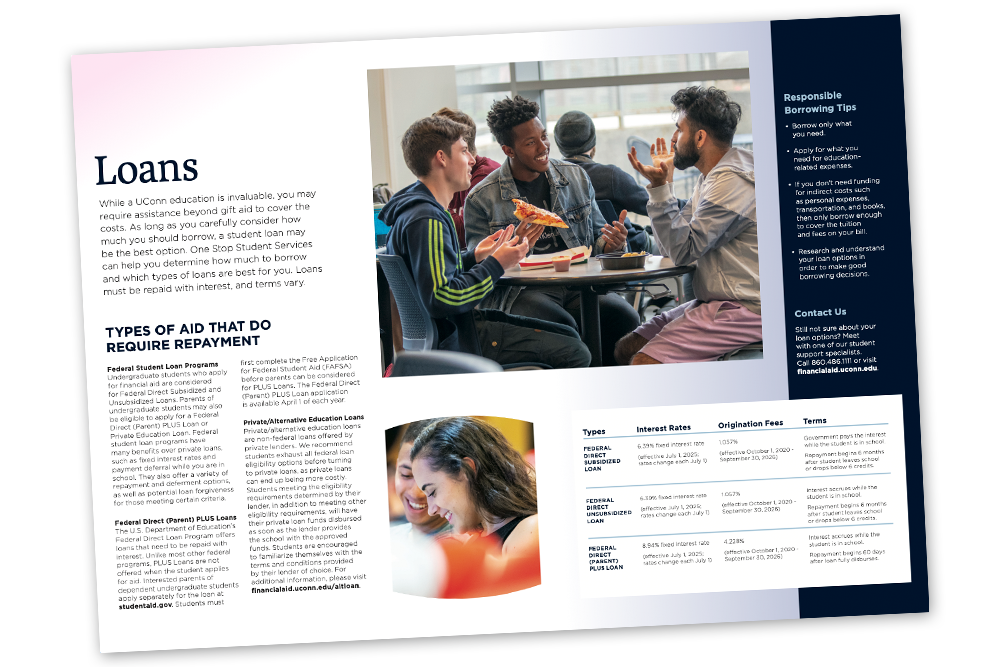
Understand that your reader’s time is valuable and their attention span is short. Even the most well-organized text becomes unpleasant to read when there’s too much of it. Use your website, social media presence, or the UConn events calendar to host more detailed information.
Understand Your Audience
Tailor your materials to the specific needs and preferences of your audience, whether they are current students, prospective students, faculty, staff, or alumni. Consider what kinds of content your audience will understand and identify with.
Design with Purpose
Be sure to understand the ideal size and format for all the channels through which you will promote your design. Text on a printed flyer will often be too small to read when the same design is used as a graphic on social media.
Use Photography and Graphics
Enhance your written content with images that attract the eye and illustrate your idea. Photography can provide visual context to the message of your design and graphic elements or icons can help underscore more abstract ideas. Venngage includes a selection of available stock imagery, and UConn offers 100,00+ free, high-resolution images through its media library.
Be Consistent
When generating materials for your office, department, or organization, a cohesive visual style will help viewers identify where the information is coming from without having to explicitly state it. Whether the look is welcoming and friendly, scientific and cutting edge, or scholarly and academic — consistency is key.